

Why Is There No Sound After Downloading YouTube Video?
Saved a YouTube video but experiencing a lack of audio? Discover the frequent reasons and simple solutions to bring the sound back to your downloaded media.

Is the Issue with the File, the Media Player, or the Original Source?
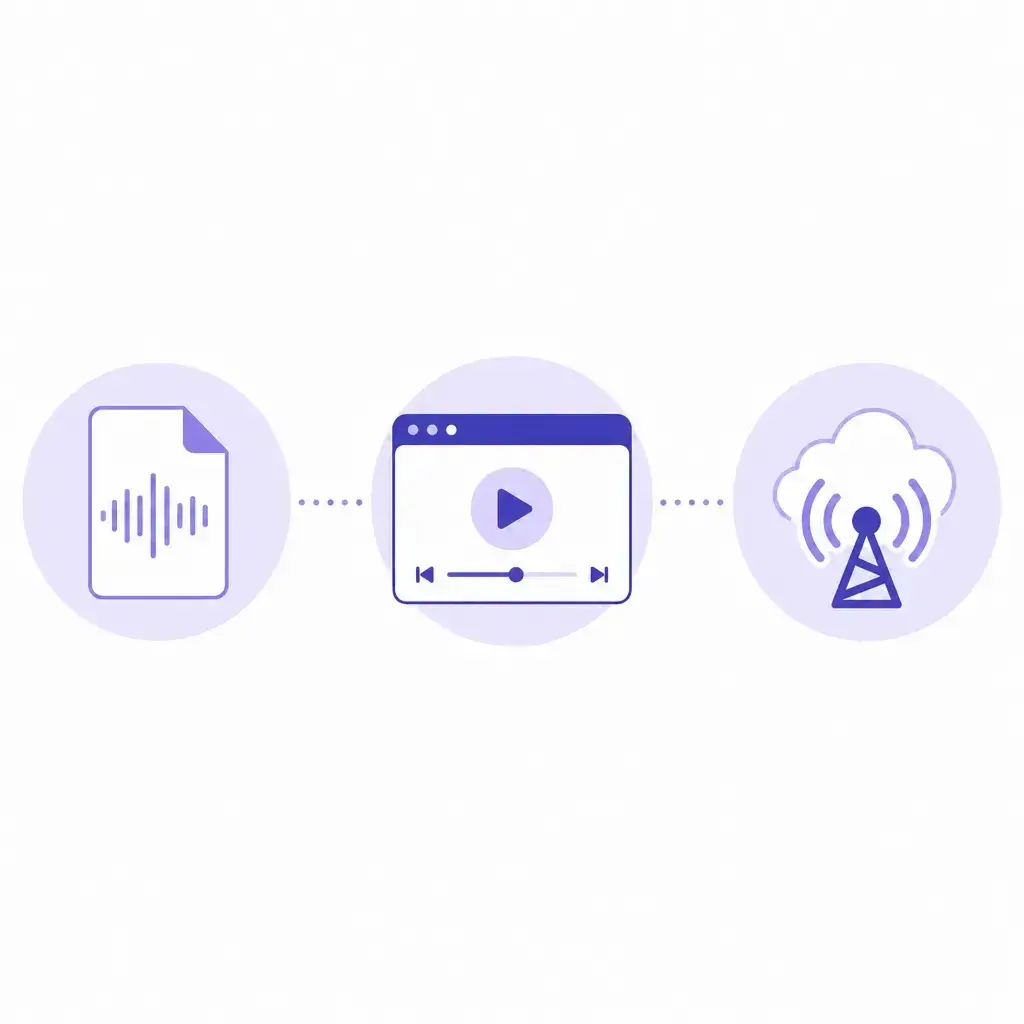
Verify the File Details
The file you downloaded might be a video-only format lacking an audio track. Ensure the format you picked explicitly includes sound.
Verify the Media Player
Your current media player might lack the capability to decode the audio format used in the file. Attempt playback using an alternative media player.
Verify the Original Source
The source video might utilize distinct audio and video streams that the downloader failed to combine.
Reasons Your Downloaded YT Video Lacks Sound
The file was saved as a visual-only stream
Numerous downloading utilities segregate video and audio into distinct streams. If you selected a visual-only option, the resulting file will contain only images and no sound data. This is the primary reason for silent YT downloads. Before concluding the file is corrupted, verify if the tool offered separate formats and if you inadvertently chose a silent video track.
The media player cannot process the audio codec
Downloaded media frequently employs audio codecs such as AAC, Opus, or Vorbis. If your device's default player cannot interpret the specific codec within the file, the video will be silent despite the audio data being present. Transitioning to a more versatile player often demonstrates that the file's audio is intact.
Independent audio and video tracks failed to combine
High-resolution YT videos often deliver audio and video via independent streams. If the downloading tool doesn't merge them into a single file, the result might be a visual track without accompanying audio. This scenario is particularly common with HD and 4K downloads where streams are processed separately.
The download was interrupted or is fragmentary
A fluctuating internet connection or premature cancellation can yield an incomplete file where the video appears functional but the audio stream is cut short or absent. If the file's size is disproportionately small for its resolution and duration, the download likely didn't conclude successfully.
Methods to Restore the Audio
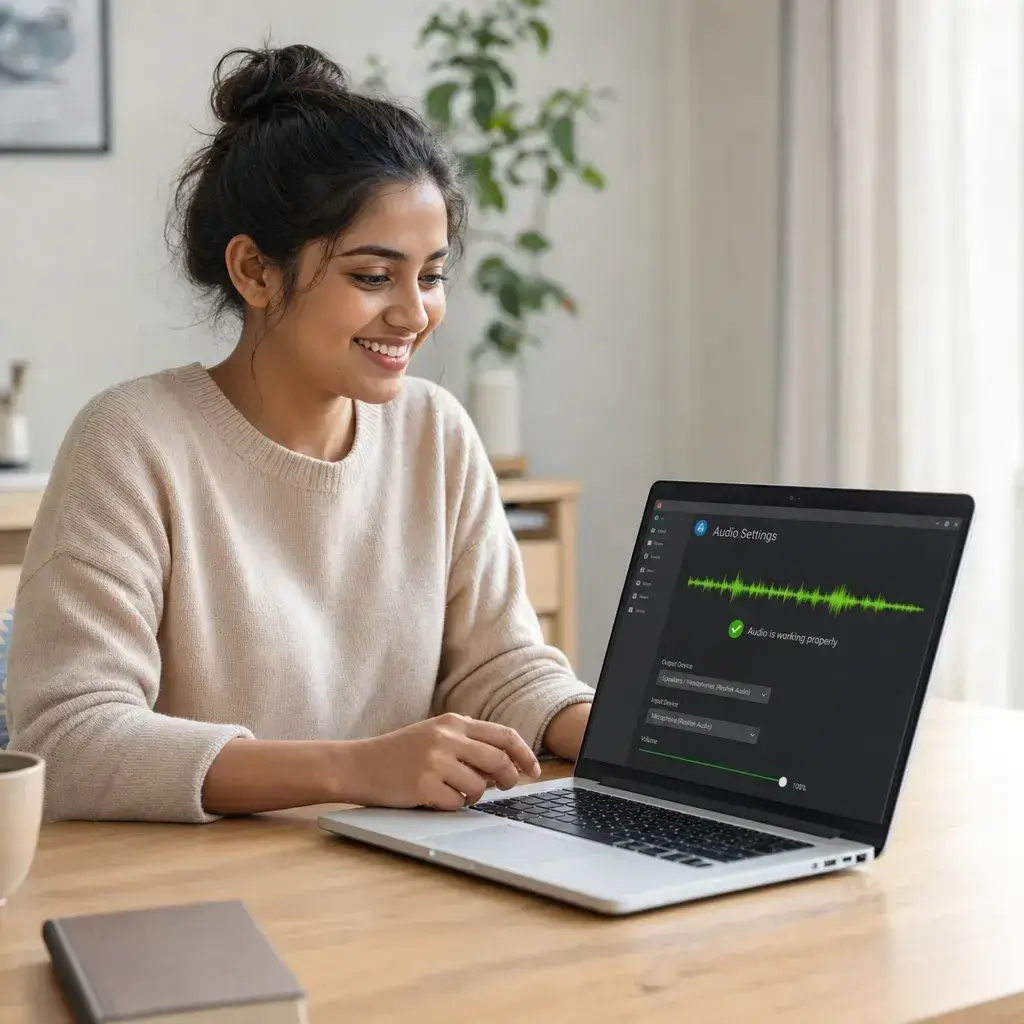
Download again selecting a format that bundles audio
When attempting the download again, prioritize format options that explicitly state they include both video and audio. Opt for a standard MP4 with audio instead of a visual-only stream. This single adjustment fixes most silent video issues by ensuring the final file contains both necessary tracks.
Attempt playback in an alternative media player
Try playing the silent file in VLC Media Player or another application known for extensive codec support. If the audio functions there but not in your usual player, the problem lies with your player's codec library, not the downloaded file. You can continue using the alternative player or install the required codecs for your preferred one.
Inspect the file's properties for audio track presence
Right-click the downloaded file and examine its properties or media information. If the audio track details are blank or the codec information is missing, the file was definitively downloaded without sound. If a codec is displayed but remains inaudible, your device likely requires that specific codec to be installed.
Utilize a tool that automatically merges audio and video
Certain utilities transparently handle the merging of audio and video streams, ensuring the final file always contains sound. If your current downloader consistently produces silent files, switching to a service that processes both streams concurrently can permanently resolve the issue.
View the rapid resolution guide before redownloading
This brief 30-second guide highlights the most frequent causes of silent YT downloads, provides step-by-step solutions, and offers advice to prevent future occurrences.
Preventing Silent Downloads Proactively
Consistently verify the format description prior to downloading
Search for labels like 'MP4 with audio' or similar descriptors. Steer clear of any option designated as 'video only' or 'silent' when audio is required.
Maintain VLC Media Player as a reliable alternative
VLC is capable of processing almost any audio codec. If a file is silent in your standard player, test it in VLC before determining the download is flawed.
Opt for the MP4 format for consistent audio-video integration
MP4 files almost universally bundle both video and audio tracks. This format serves as the most dependable default option for the majority of downloads.
Prioritize redownloading over attempting to fix a silent file
If a downloaded file is missing its audio, initiating a new download with the proper format is almost always more efficient than trying to extract, convert, or manually merge audio tracks.

Frequently Asked Questions About YT Video No Sound Issues
Why does my downloaded YT video have no sound even though the file size looks normal?

How can I tell if a format includes audio before I start the download?
Will switching to a different media player fix the no sound issue?
Can I add an audio track back to a video file that was saved without sound?
Why does a YT video have no sound on my phone but works on my computer?