





Instagram Profile Downloader
Save Instagram profile pictures (DP) in full clarity
How to Download Instagram Profiles
Quickly download media from any Instagram profile in three steps.
1
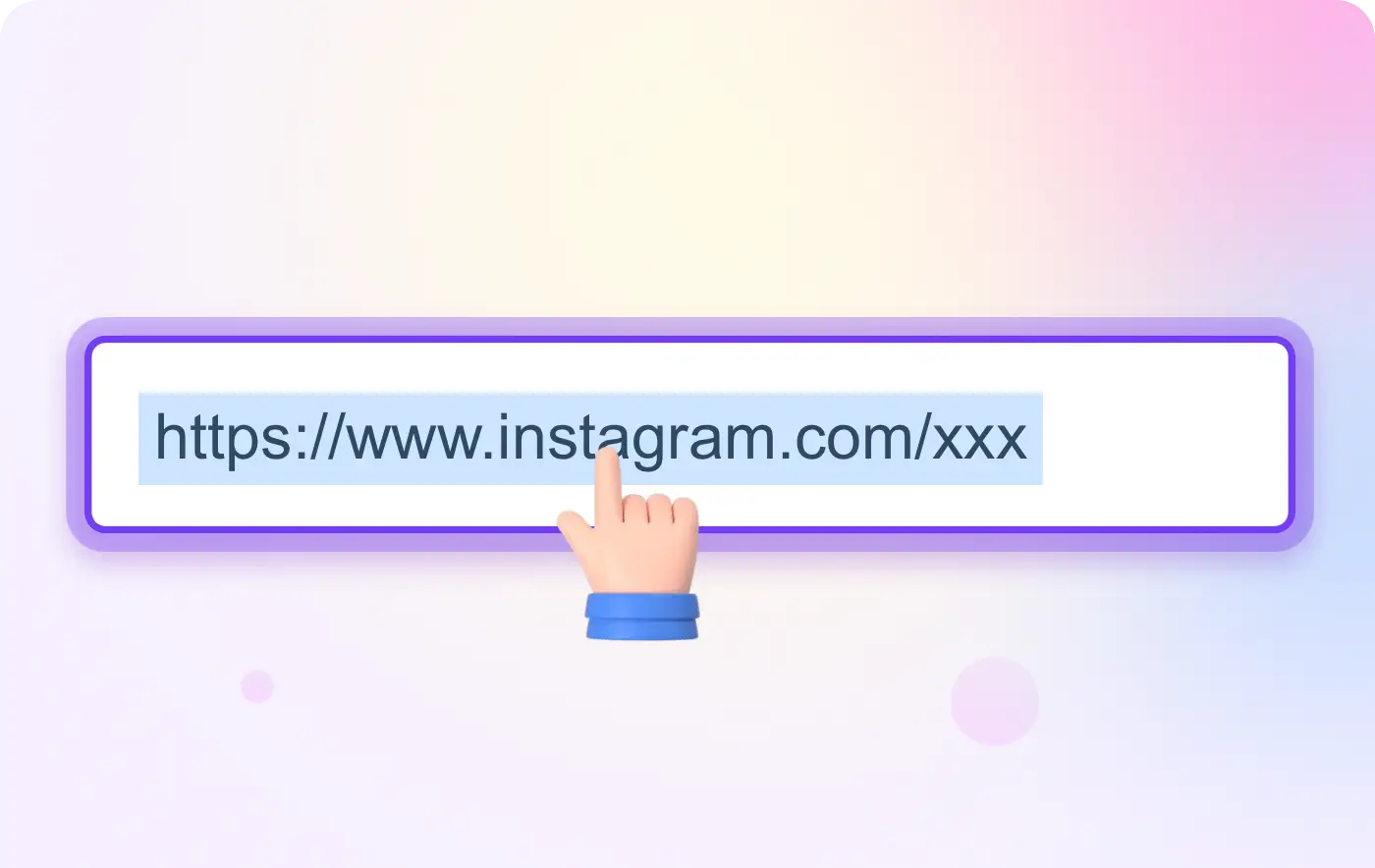
Copy the Link
Visit the target Instagram profile and copy the URL.
2
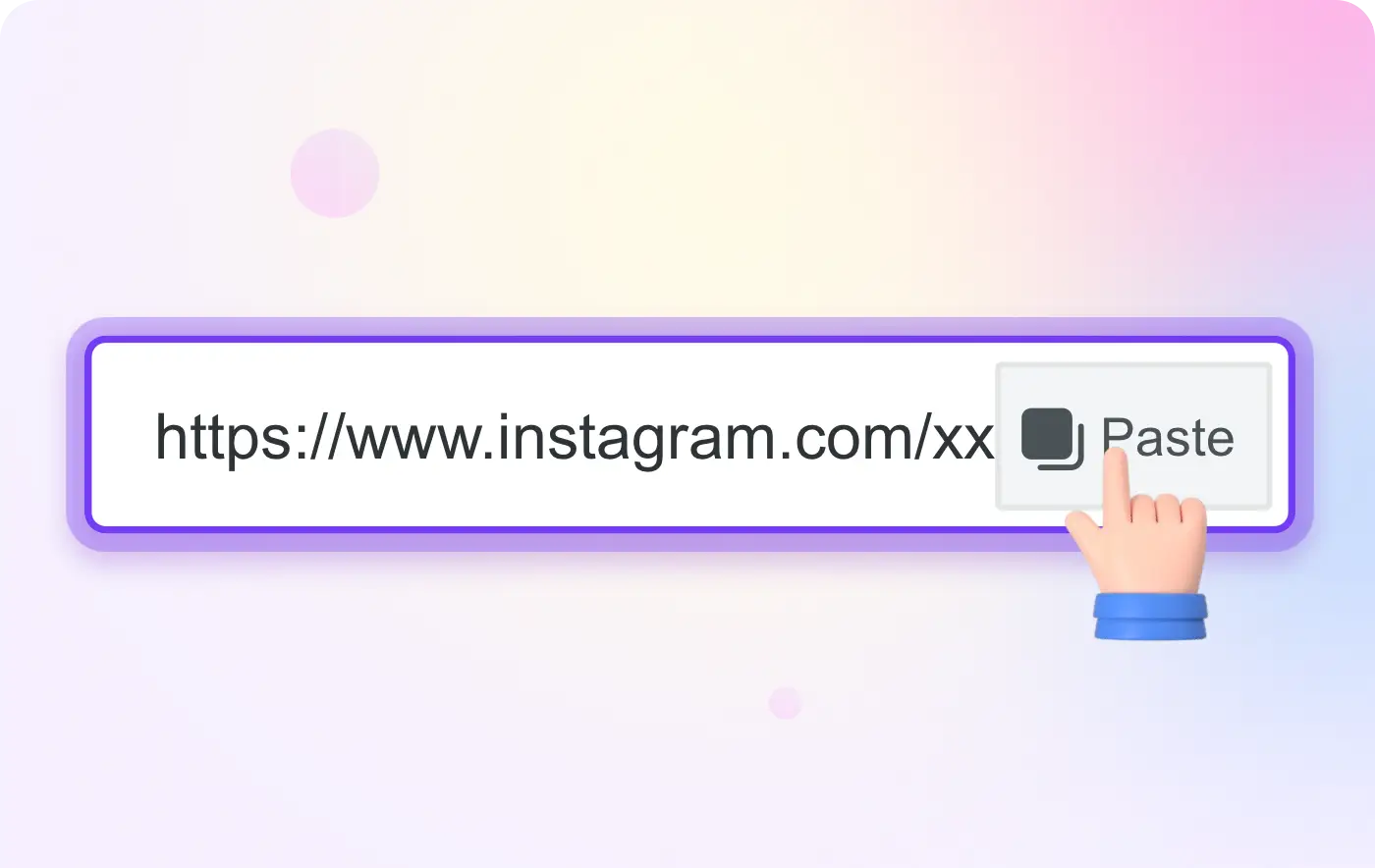
Paste the URL
Paste the link into the profile saver's search bar.
3
Save Profile Media
Select Download to store the profile's content on your device.
VidMate Instagram Downloader
Profile Media Saver
Acquire posts, videos, and images from any public profile. Our utility simplifies saving media from creators, brands, and public figures.
Bulk Download
Acquire multiple posts simultaneously from a single profile. Instead of saving individually, download entire collections efficiently.
Frequently asked questions (FAQ)
This FAQ provides information on frequent questions or concerns about the VidMate Downloader. If you can't find the answer to your question, feel free to ask through email on our contact page.
Can I download all posts from a profile?

Yes, you can download all publicly available posts from any Instagram profile. Simply enter the profile URL and our tool will fetch all downloadable content.
Is it legal to download content from Instagram profiles?
Downloading public content for personal use is generally allowed. However, please respect copyright laws and the rights of content creators. Do not use downloaded content for commercial purposes without permission.
Will the profile owner know I downloaded their content?
No, using our downloader does not notify the profile owner. Your download activity remains private.
Can I download private profile content?
No, our tool can only access public content. Private profile posts are not accessible through our downloader.
How many posts can I download from a profile?
There is no limit on the number of posts you can download. You can save as many as you like from a single profile.